

What is Learn++?
Learn++ is an Android app that helps beginners learn programming by editing real C++, Python, and Rust examples and seeing instant output.
Learn++ helps beginners practice C++, Python, and Rust on their phone with short lessons, editable examples, and instant output.
Learn++ — the Android coding practice app for C++, Python, and Rust — is also searched as Learn Plus Plus, Learn + +, or L++.
Alpha testing starts with the tester form below. Google Play access works after your Google email is added to the closed test list.

Learn++ is an Android app that helps beginners learn programming by editing real C++, Python, and Rust examples and seeing instant output.
Learn++ is for beginners, students, and self-taught learners who want short daily coding practice on a phone.
Instead of only reading theory or watching tutorials, learners edit working examples, run them, and understand the output step by step.
Learn++ starts with C++, Python, and Rust, with more language tracks planned.
No. Learn++ is focused on mobile coding practice with editable programming examples and instant output.
Edit code, run it, and compare the instant output in short Android practice sessions.
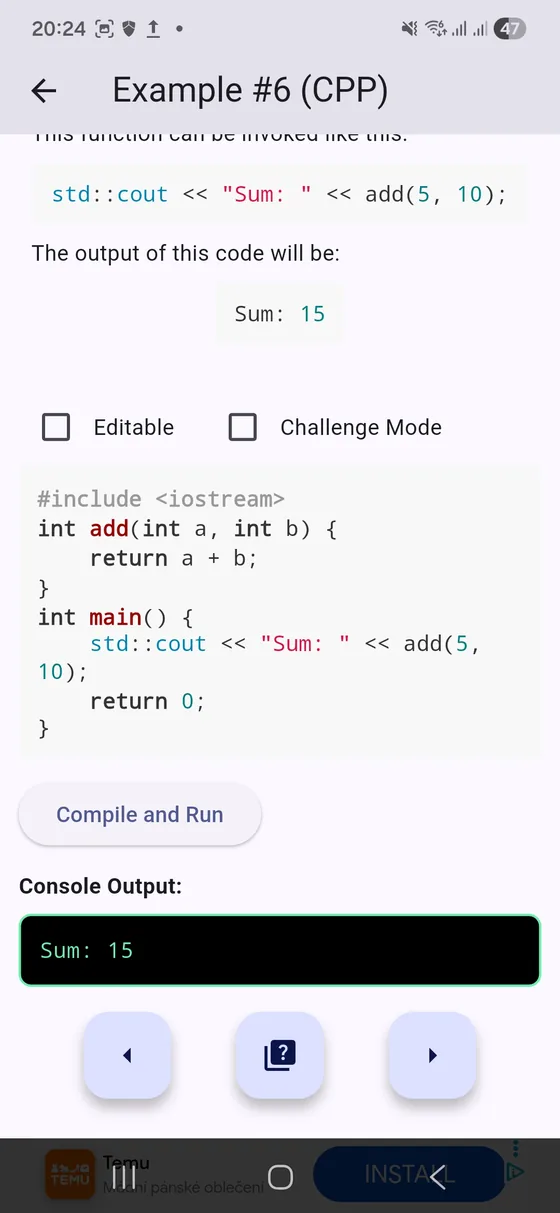
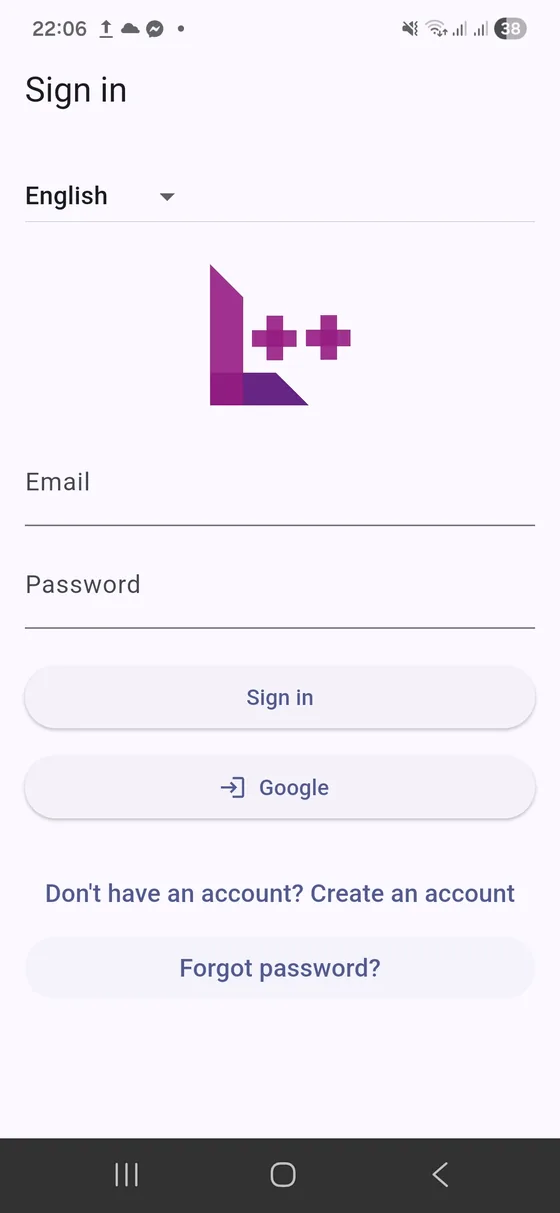
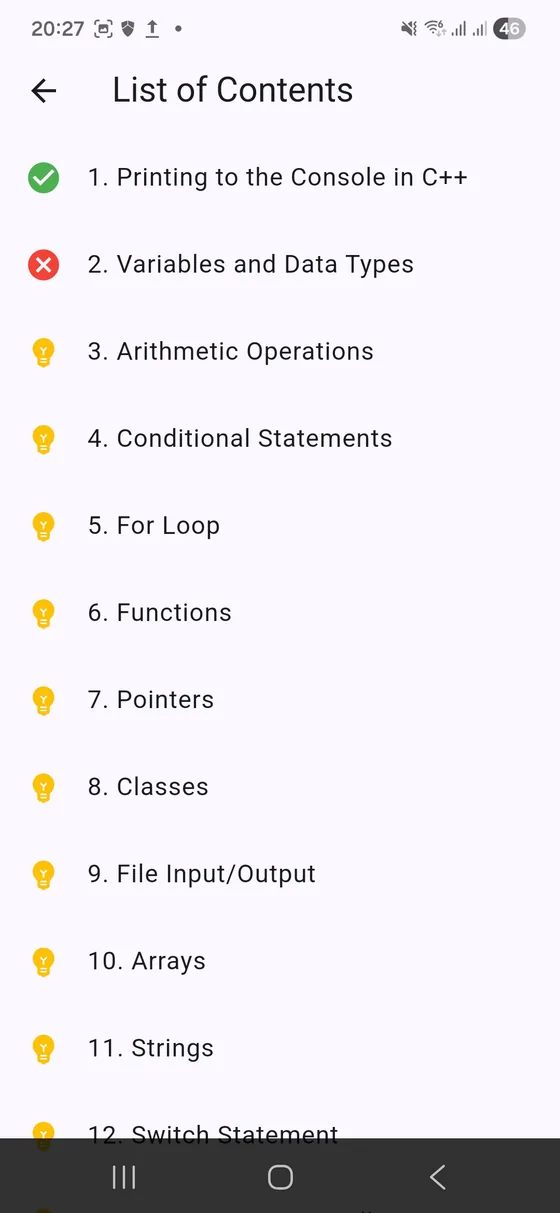
Learn++ is built by the Learn++ project team for beginner-friendly mobile coding practice.
Alpha signup and feedback data are used to manage tester access and improve the app. Read the privacy policy for details.
Practice code may run in a sandboxed execution service so the app can show compile and run output safely.
Learn++ is free during the Android alpha. Future paid features will be communicated before launch.
After requesting access, use the same Google account on Android and follow the tester instructions. Last updated: June 30, 2026. Privacy policy · Terms · Android alpha page · Roadmap · Contact
Short theory, lots of practice, and instant feedback - right inside the app.
Run code safely in a container-backed sandbox and instantly see output (and errors).
Each topic includes a quick lesson and an example you can edit and execute right away.
Start with C++, Python, Rust - and expand into more languages as modules are added.
Jump back to your last visited lesson, browse a clear table of contents, and build momentum.
Learn in English or Slovak today - adding more languages is part of the roadmap.
Practice with quizzes and challenge mode - perfect for reinforcing concepts after lessons.
Most learning apps stop at reading. Learn++ is built around trying - you edit code, run it, and get feedback immediately. The goal is to make programming feel approachable, even without a PC.
A simple loop: read -> edit -> run -> repeat.
Choose a module (C++, Python, Rust...). Learn++ remembers where you left off.

Get a short explanation plus a working example (the "why" and the "how").

Edit the code and run it in the sandbox to instantly see output or compiler errors.
The full beginner tutorials (first Hello World in each language + compiler/interpreter explanation) now live on a dedicated page.
Current promo graphics plus a peek at the current UI (alpha).


Track open bugs alongside the features that are already shipped.
Bugs are pulled from GitHub when available, with fallback to the server issue feed and a built-in snapshot list.
No open bug reports yet.when comming back from background, black screen is shown need to reload app
fix obfuscation check to allow rust ( Python ) - backend
Quiz 79 Rust - no data found ?
Compiler error in determining the exact location of an error in the code
Recently merged commits that already shipped to users.
No merged features yet.Current version: 0.1.2+368 (build 368)
Download: alpha APK
Use these canonical HTML pages to find correct Learn++ product, onboarding, pricing, and MCP integration information.
Canonical API base: https://api.learnplusplus.online/agent-api
Manage entitlements, activation codes, billing, connected agents, and API keys from a dedicated page.
The AI dashboard has moved to a separate page so account/billing actions stay focused and easier to use.
If you can break it, you can improve it :)
Use the Play links after approval; use the APK while Play access is pending.
The Play download can show missing content until your email is added and you opt in with the same Google account. Adding testers may take up to 24 hours.
Join internal testing
Fill the form first so we can add your email to the internal / closed test users list for Google Play. This may take up to 24 hours.
Closed testing flow
Step 2 after approval
Once your email is added, use the Google Play closed testing link to opt in with the same Google account.